

If you're looking for the best WhatsApp bulk message sender in India, choosing the right tool can directly impact your delivery rates, costs, and account safety. With over 500 million WhatsApp users in India, businesses are increasingly using bulk messaging to reach customers instantly. In this guide, we compare the top WhatsApp bulk messaging tools available in India, including free Chrome extensions and official WhatsApp Business API providers, so you can select the safest and most cost-effective solution for your needs.
What is a WhatsApp bulk message sender?
A WhatsApp bulk message sender is a tool that lets you send messages to hundreds or thousands of contacts simultaneously, without manually typing each one. There are two main approaches:
WhatsApp Business API tools connect directly to Meta's servers. They're compliant with WhatsApp's policies, offer higher delivery rates, and can handle large volumes. However, they require business verification and typically charge per message or monthly subscriptions.
Chrome extensions work by automating WhatsApp Web in your browser. They're cheaper (often free) and easier to set up, but carry a higher risk of your number being banned if you send too many messages too quickly.
Key features to look for include Excel or CSV import, message personalization (using customer names), attachment support for images and documents, and time-gap settings to avoid triggering spam filters.
Quick comparison of the 7 best WhatsApp bulk message senders
Tool | Type | Starting Price | Best For | Daily Limit |
|---|---|---|---|---|
SheetWA | Chrome Extension | Free ($7.90/mo paid) | Google Sheets/Excel users | 100 (free) / Unlimited (paid) |
WASender | Chrome Extension | Free | Basic bulk messaging | Varies |
Picky Assist | Official API | Free ($39/mo paid) | Indian businesses needing automation | 5,000 interactions |
Brevo | Official API | $499/mo | Multichannel marketing | Pay per message |
WATI | Official API | $59/mo | WhatsApp-focused businesses | Conversation-based |
WA Biz Sender | Chrome Extension | $8/mo | Privacy-conscious users | Unlimited |
Rocket Sender | Chrome Extension | Free | Cautious beginners | 50-300/day |
Now let's dive into each tool in detail.
1. SheetWA
Best for: Small businesses and marketers who work with spreadsheets
SheetWA is a Chrome extension that lets you send bulk WhatsApp messages directly from Google Sheets, Excel, or CSV files. Unlike API-based solutions, it doesn't require any technical setup or business verification. You just install the extension, connect WhatsApp Web, and start sending.
What makes SheetWA stand out is its deep integration with spreadsheets. You can map columns (like customer names, order numbers, or due dates) directly into your messages for personalization. It supports rich media too. You can attach images, videos, and documents up to 7 files per message.
The tool includes several features to reduce ban risk: random time gaps between messages, a preview mode to check messages before sending, and the ability to message unsaved numbers without adding them to your phone's contacts.
SheetWA pricing
Plan | Monthly Price | Annual Price | Messages | Templates |
|---|---|---|---|---|
Free | $0 | $0 | 100/month | 1 |
Basic | $9.90 | $7.90 | 1,000/month | 10 |
Pro | $19.90 | $15.90 | Unlimited | 20 |
SheetWA also offers a free trial so you can test all features before committing. Payment is via Stripe for international users and UPI/QR for Indian customers.
Pros:
No API setup or per-message fees
Works with existing spreadsheets
Rich media support
Privacy protection features
Cons:
Only works on WhatsApp Web desktop
Not an official WhatsApp partner
Real-world results are impressive. A Brazilian flower shop increased repeat orders by 51%, a Singapore training institute saw 71% higher engagement, and a UK bakery achieved 33% more repeat birthday orders using SheetWA.
2. WASender
Best for: Users who want a simple, free solution for basic bulk messaging
WASender is one of the most popular free Chrome extensions for WhatsApp bulk messaging, with over 400,000 users globally. The setup is straightforward: install the extension, upload your contacts via Excel, compose your message, and send.
The free version covers most basic needs: Excel upload, personalized messages with placeholders, image and document attachments, and batch sending with customizable time gaps. The Pro version unlocks additional features like contact filtering and detailed delivery reports.
WASender emphasizes ban reduction with features like automatic time delays and an unsubscribe list to manage opt-outs. However, as with all unofficial tools, there's still a risk of number banning if you send too aggressively.
Pros:
Completely free to start
Simple 3-step sending process
Built-in ban reduction features
Large user base (400,000+)
Cons:
Daily limits on free plan
Unofficial tool carries ban risk
Pro pricing not transparent on website
3. Picky Assist
Best for: Indian businesses wanting automation, CRM, and local support
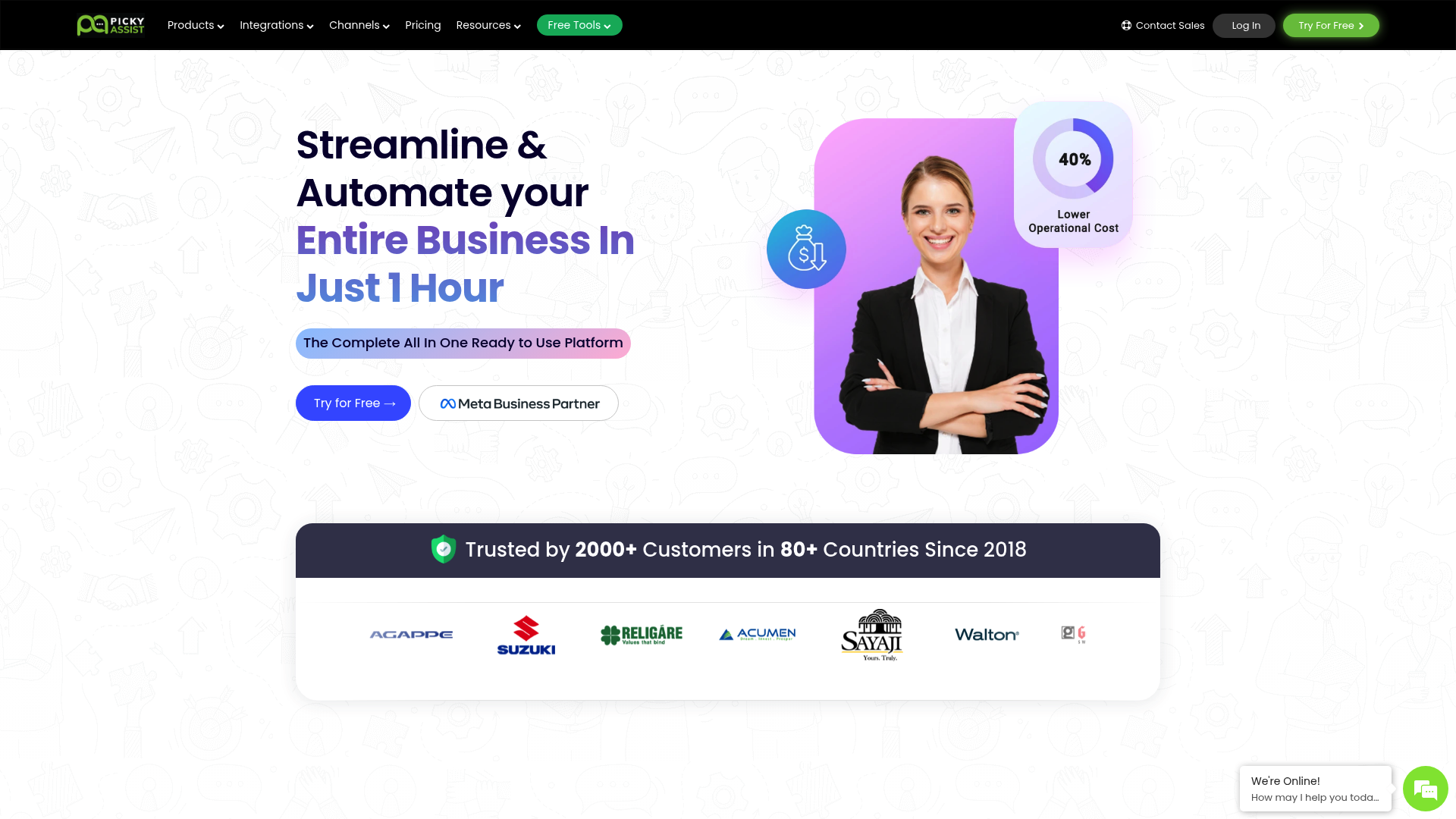
Picky Assist is an Indian business automation platform that's a Facebook (Meta) and Google Partner. Unlike Chrome extensions, it uses the official WhatsApp Business API, making it fully compliant and scalable.
The platform goes beyond simple bulk messaging. It includes a conversational CRM, chatbot builder, multi-agent teambox, and automation flows. You can connect WhatsApp, Facebook Messenger, Instagram DM, and Google RCS all in one dashboard.
For Indian businesses, Picky Assist offers local payment options (Razorpay, UPI) and support. The free forever plan lets you test all features with 500 contacts and 5,000 interactions, though WhatsApp messages carry a 30% markup on the free tier.
Picky Assist pricing
Plan | Monthly Price | Contacts | Interactions | Agents |
|---|---|---|---|---|
Free Forever | $0 | 500 | 5,000 | 2 |
Starter | $39 | 2,000 | 150,000 | 3 |
Growth | $49 | 10,000 | 500,000 | 5 |
Scale | $69 | 20,000 | 1,000,000 | 10 |
WhatsApp messaging charges in India are approximately ₹1.08 for utility/authentication messages and ₹6.98 for marketing messages on paid plans.
Pros:
Official WhatsApp Business API
Indian company with local support
All-in-one automation platform
5,000+ app integrations via Connector
Cons:
Learning curve for advanced features
30% markup on WhatsApp charges for free plan
Can get expensive with add-ons
4. Brevo
Best for: Businesses wanting to combine WhatsApp with email and SMS marketing
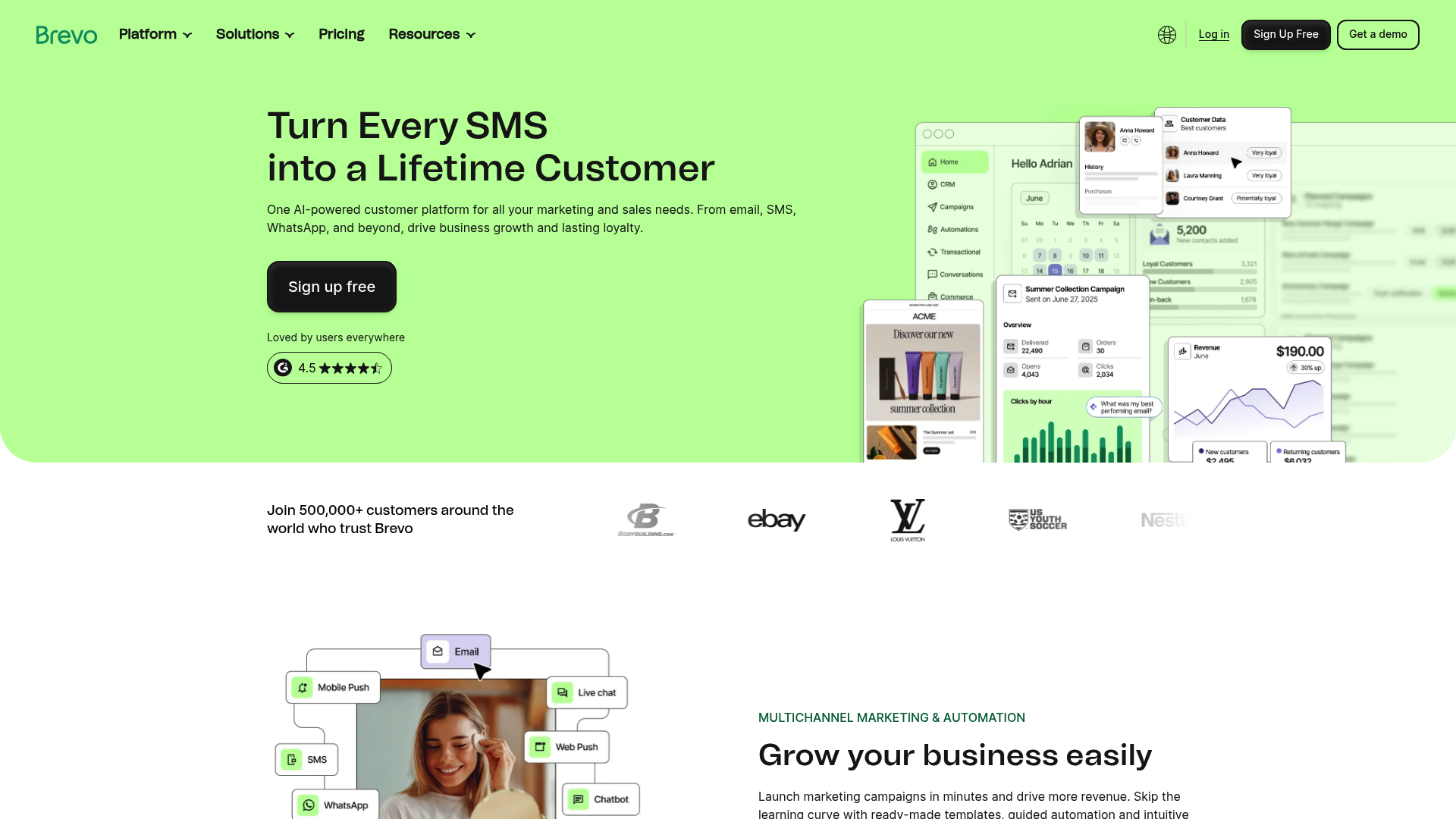
Brevo is an official Meta Business Partner and WhatsApp Business Solution Provider. While it's primarily known for email marketing, its WhatsApp campaigns are robust and well-integrated.
The key advantage here is multichannel marketing. You can run email, SMS, and WhatsApp campaigns from one interface, with unified contact lists and cross-channel automation. For example, you could send an abandoned cart email, follow up with a WhatsApp reminder, and close with an SMS discount code.
Brevo's WhatsApp pricing for India is competitive: sending 1,000 messages costs approximately ₹962.6 (about $12.67). There are no license fees, you only pay for message credits.
Brevo pricing
Plan | Monthly Price | Annual Price | Key Features |
|---|---|---|---|
Free | $0 | $0 | 300 emails/day |
Starter | $9 | $8.08 | 5,000 emails/month |
Standard | $18 | $16.17 | Marketing automation |
Professional | $499 | $449.08 | WhatsApp campaigns, 150,000 emails |
Enterprise | Custom | Custom | Dedicated IP, SSO |
WhatsApp campaigns require the Professional plan ($499/month), making Brevo better suited for businesses already using or planning to use their full marketing suite.
Pros:
Official API with high deliverability
Multichannel campaigns (email, SMS, WhatsApp)
No coding required
100+ languages supported
Cons:
High monthly subscription for WhatsApp access
Overkill if you only need WhatsApp
5. WATI
Best for: Small businesses focused exclusively on WhatsApp
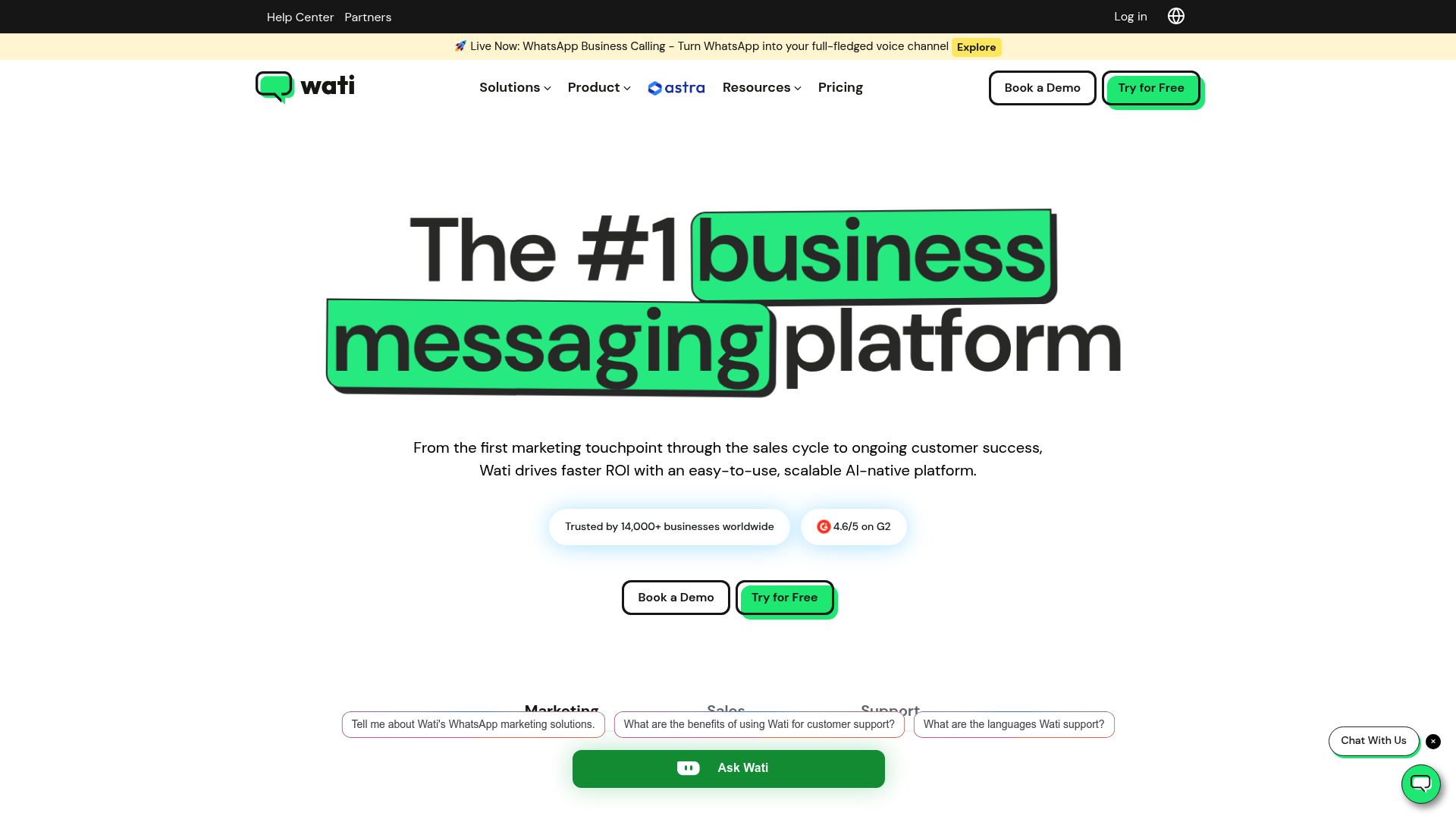
WATI is a dedicated WhatsApp API platform, which means every feature is built specifically for WhatsApp messaging. There's no email or SMS clutter, just pure WhatsApp functionality.
The platform offers a shared team inbox, broadcast messaging, and a drag-and-drop chatbot builder. It's designed for non-technical users, with a simple interface that most people can master quickly.
Pricing starts at $59/month for the Growth plan, with Pro at $119 and Business at $279. All plans use conversation-based pricing, where one conversation covers unlimited messages to a single user within a 24-hour window after their first message.
Pros:
WhatsApp-only focus means specialized features
User-friendly for non-technical teams
Good for customer support use cases
Cons:
No free plan
Limited to WhatsApp only (no multichannel)
Can get expensive at scale
6. WA Biz Sender
Best for: Indian businesses wanting privacy features and local support
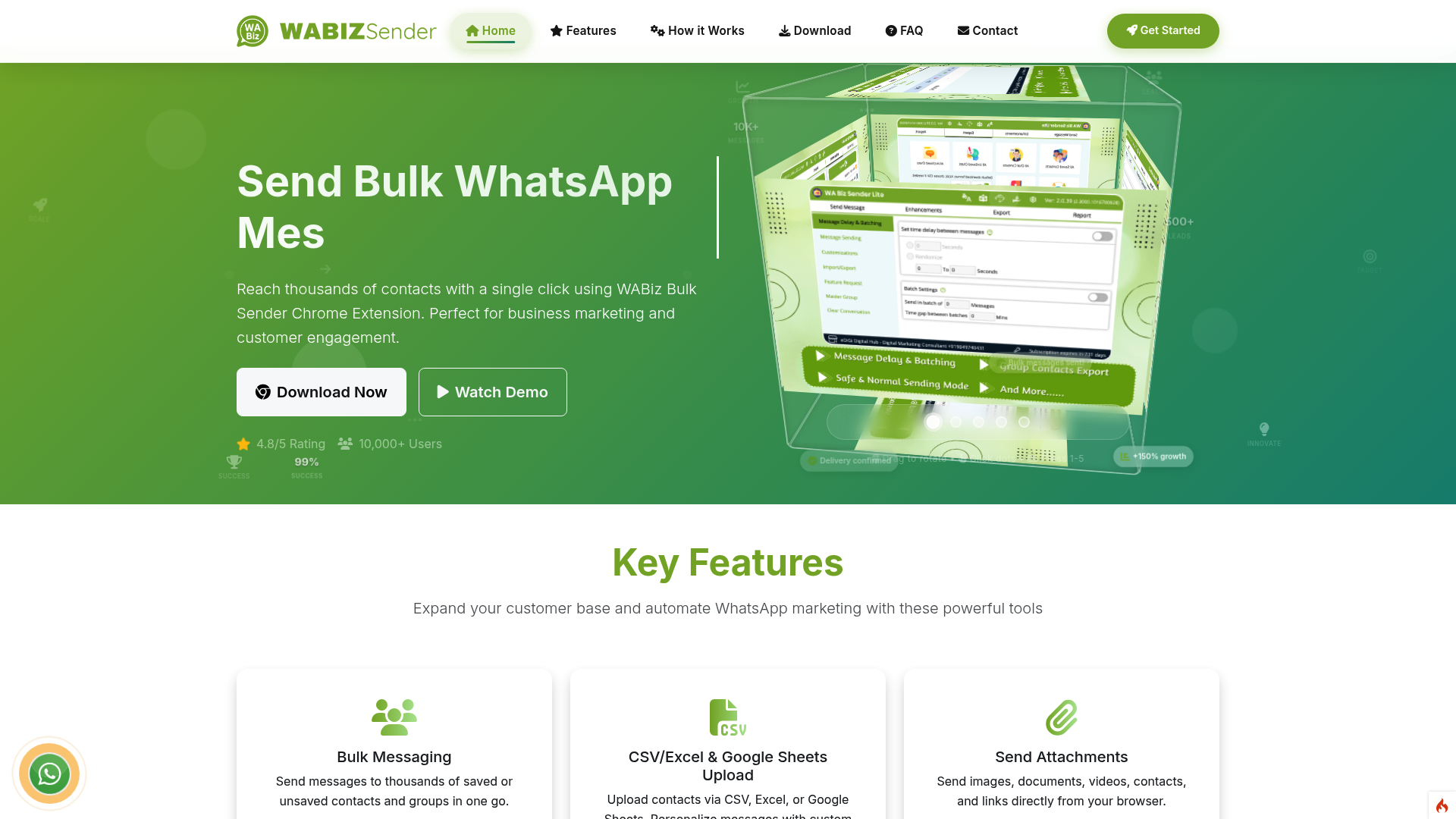
WA Biz Sender is developed by EDIGI DIGITAL HUB PRIVATE LIMITED, based in Nashik, Maharashtra. It's a Chrome extension that adds what they call "steroid features" to WhatsApp Web.
Unique features include privacy controls (blur recent messages, contact names, photos, and conversations), which is useful if you're using a shared computer. It also offers smart auto-replies, contact downloading from groups and labels, and the ability to filter non-WhatsApp numbers before sending.
WA Biz Sender pricing
Plan | Yearly Price | Monthly Price | Codes |
|---|---|---|---|
Silver | $70 | $8 | 1 |
Gold | $120 | $13 | 2 |
Platinum | $200 | $22 | 4 |
The pricing is per activation code, with each code tied to one WhatsApp number. This makes it affordable for small businesses while allowing multi-number operations for larger teams.
Pros:
Indian company with local WhatsApp support (+91-9049740431)
Privacy features for shared workspaces
Affordable entry price
Contact export from groups and labels
Cons:
Unofficial extension (ban risk)
Limited to Chrome/Edge browsers
Interface is less polished than competitors
7. Rocket Sender
Best for: Beginners who want a free, safety-focused option
Rocket Sender takes a cautious approach to bulk messaging. It's completely free, but imposes strict daily limits to protect your account: 50 messages on day one, and 300 messages per day thereafter.
The extension includes all the basics: bulk contact import, personalized messages with placeholders, attachment support, and real-time sending status. The interface is clean and friendly, making it ideal for first-time users.
What sets Rocket Sender apart is its transparency about WhatsApp's policies. The FAQ clearly explains why accounts get banned (usually spam reports from recipients) and how to avoid it. They explicitly state they won't offer unlimited messaging even in paid plans because it would put users at risk.
Pros:
Completely free
Built-in safety limits protect your number
Transparent about risks and best practices
No upsell pressure
Cons:
Strict daily limits (300 max)
No premium upgrade path for higher volumes
Basic feature set compared to paid alternatives
Chrome extension vs official API: Side-by-Side comparison
When choosing a WhatsApp bulk message sender in India, the biggest decision is whether to use a Chrome extension or an official WhatsApp Business API solution. Both approaches serve different business needs.
Here’s a clear comparison to help you decide:
Feature | Chrome Extension Tools | Official WhatsApp Business API Tools |
|---|---|---|
Setup Process | Install extension and connect WhatsApp Web | Requires business verification and API approval |
Cost Structure | Usually free or low monthly fee | Per-message charges + monthly subscription |
Daily Sending Volume | Suitable for low to moderate volume | Built for high-volume messaging |
Ban Risk | Higher if sending aggressively | Very low when compliant |
Personalization | Supports placeholders from Excel/CSV | Supports dynamic variables in approved templates |
Automation | Basic scheduling and batch sending | Advanced automation, chatbots, CRM integration |
Best For | Small businesses, local shops, marketers | Enterprises, e-commerce, customer support teams |
Technical Requirement | No technical setup required | May require API onboarding and setup assistance |
How to choose the right WhatsApp bulk message sender in India
With seven solid options, how do you pick the right one? Here's the short version:
Choose a Chrome extension (SheetWA, WASender, WA Biz Sender, Rocket Sender) if:
You send fewer than 500 messages per day
You want to start for free or very low cost
You don't need advanced automation
You're comfortable with some ban risk
Choose an official API solution (Picky Assist, Brevo, WATI) if:
You send more than 1,000 messages daily
You need CRM integration or chatbots
You want guaranteed deliverability
You have the budget for monthly subscriptions
Tips to avoid getting banned when sending bulk WhatsApp messages
Whether you use an official API tool or a Chrome extension, following these best practices will keep your number safe:
Get explicit opt-in consent before messaging. Don't buy number lists or message cold contacts.
Use random time gaps between messages. Even a 5-10 second delay makes your messages look more human.
Personalize every message. Avoid sending identical messages to hundreds of people. Use names, order numbers, or other variables.
Respect daily limits. If a tool warns you about limits, listen. WhatsApp watches for unusual activity patterns.
Provide easy opt-out options. Include "Reply STOP to unsubscribe" and honor those requests immediately.
Don't send spam. This seems obvious, but avoid hard-selling, misleading claims, or excessive messaging. If recipients report you, WhatsApp will ban your number regardless of which tool you use.
Final recommendations: Which WhatsApp bulk message sender should you choose?
For most small businesses in India, SheetWA hits the sweet spot. It's affordable (free to start, under $8/month for paid), works with the spreadsheets you already use, and includes ban-protection features. The case studies show real results across multiple industries.
For businesses needing automation and CRM, Picky Assist is the best Indian option. The free forever plan lets you test everything, and as a Meta partner, you get official API reliability.
For multichannel marketers, Brevo makes sense if you're already using or planning to use email and SMS alongside WhatsApp. The $499/month price is steep for WhatsApp-only use, but reasonable for a complete marketing platform.
For absolute beginners wanting to test the waters, Rocket Sender is the safest free option with its built-in daily limits.
Ready to start? Try SheetWA for free and send your first bulk WhatsApp campaign today. No API setup, no credit card required, just install the Chrome extension and connect WhatsApp Web.
FAQs
Which is the best WhatsApp bulk message sender in India for small businesses?
For small businesses, SheetWA and WASender are excellent free options. If you need automation and CRM integration, Picky Assist offers the best value for Indian businesses.
Is it legal to use WhatsApp bulk message sender tools in India?
Yes, using WhatsApp bulk message sender tools is legal in India if you follow WhatsApp's Business Policy and obtain explicit consent from recipients.
How can I send 1000 WhatsApp messages at once in India?
To send 1000 WhatsApp messages at once in India, you'll need an official WhatsApp Business API solution like Picky Assist, Brevo, or WATI.
What is the cheapest WhatsApp bulk message sender in India?
The cheapest options are free Chrome extensions like WASender and Rocket Sender. For official API solutions, Picky Assist offers a free forever plan.
Can I get banned for using a WhatsApp bulk message sender in India?
Yes, you can get banned if you send spam, message people without consent, or send too many messages too quickly. Official API tools have lower ban rates.
What is the difference between official API and Chrome extension WhatsApp bulk senders?
Official API tools connect directly to WhatsApp's servers, offer higher deliverability, and charge fees. Chrome extensions automate WhatsApp Web, are cheaper, but carry higher ban risks.
How do I choose between free and paid WhatsApp bulk message sender tools?
Choose free tools if you send fewer than 500 messages daily. Choose paid tools if you need high volumes, automation, or guaranteed deliverability.